Guides
IPTV guides: what it is, the login, the players and the fixes
Ten guides, each answering one question in plain steps and tables, sorted into four groups: understanding IPTV, the login and the programme guide, players and screens, and what to do when something goes wrong. They are written for homes in Ireland, with prices in euro and the guide on Irish time, and were checked on 6 November 2026.

Understanding IPTV
Understanding IPTV: what it is and what it carries
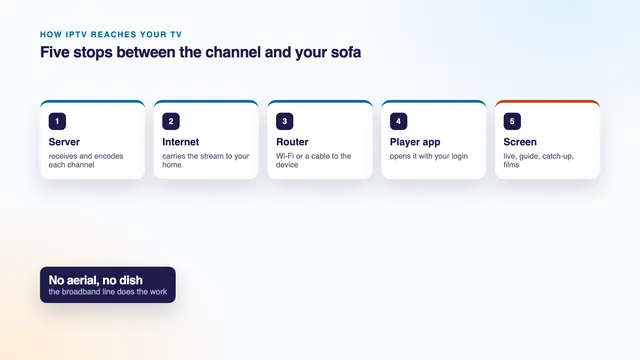
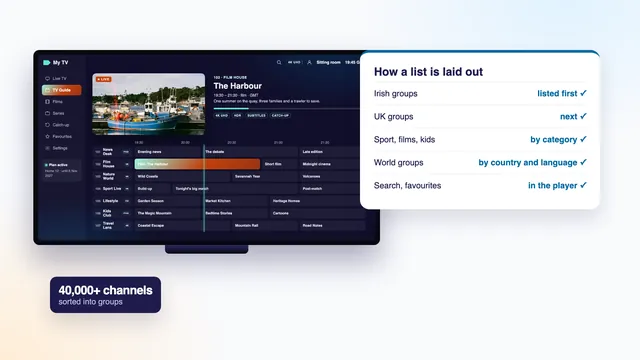
Start here if the word itself is new. One guide explains television over the internet without jargon; the other shows how the channels are arranged, so you can find yours among thousands.
The login and the guide
The login and the guide: Xtream Codes, EPG and catch-up
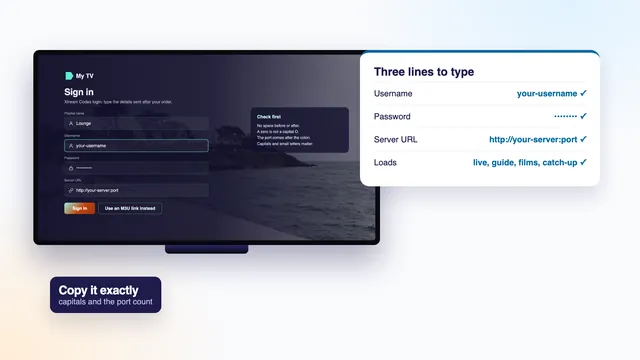
What arrives in every login message and the features built on it: the three-line Xtream Codes login, the programme guide behind the channels, and catch-up for what has already aired.
IPTV guideIPTV Xtream Codes
Username, password and server address: where each of the three login lines is typed, and what a refused login is telling you.Read it →
IPTV guideIPTV EPG
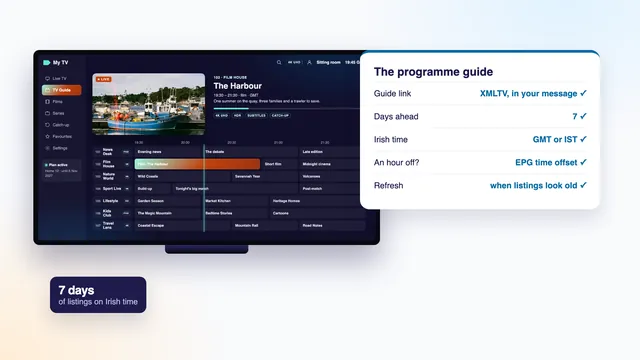
The programme guide behind the channels: the XMLTV link, refreshing it, and fixing a guide that runs an hour off.Read it →
IPTV guideIPTV catch-up
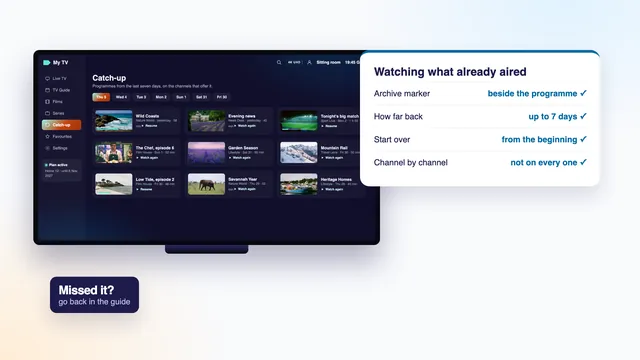
Watching what already aired: which channels keep an archive, how far back it reaches, and where to find it in the player.Read it →Players and screens
Players and screens: Smarters Pro, Android TV, Windows and VLC
Where the login goes. Smarters Pro runs on phones, tablets, Apple TV and Android TV; the Android TV guide covers sets and boxes, the Windows guide covers PCs and laptops, and the VLC guide shows what a plain media player can and cannot do.
IPTV guideIPTV Smarters Pro
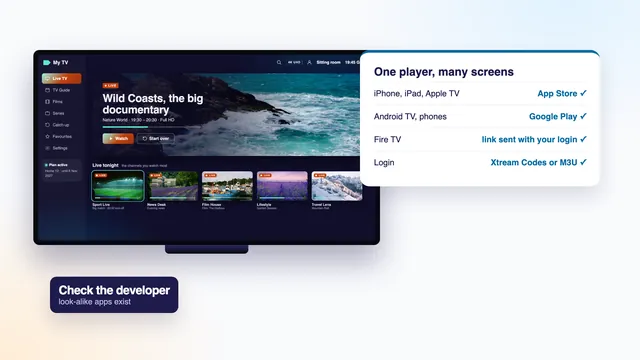
The player most logins open in: where to get the real app on each screen, adding a login, and the settings worth changing.Read it →
IPTV guideIPTV for Android TV
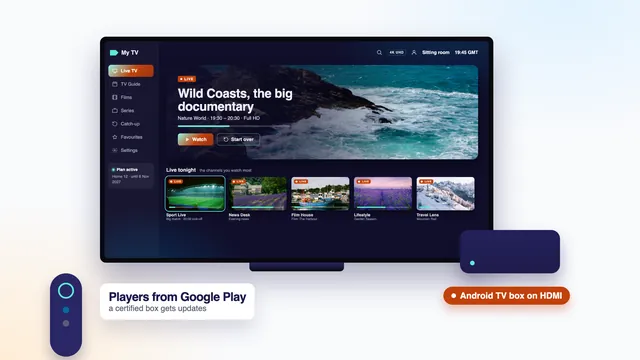
Televisions and boxes running Google's TV system: which players to install, entering a login with the remote, and sport and 4K settings.Read it →
IPTV guideIPTV for Windows
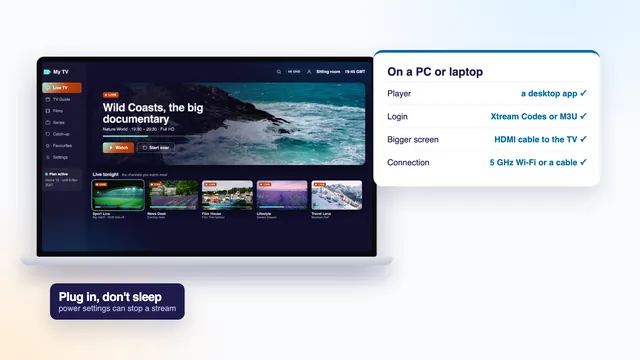
Watching on a PC or laptop: players for Windows, the M3U link in a desktop app, and sending the picture to a bigger screen.Read it →
IPTV guideIPTV VLC
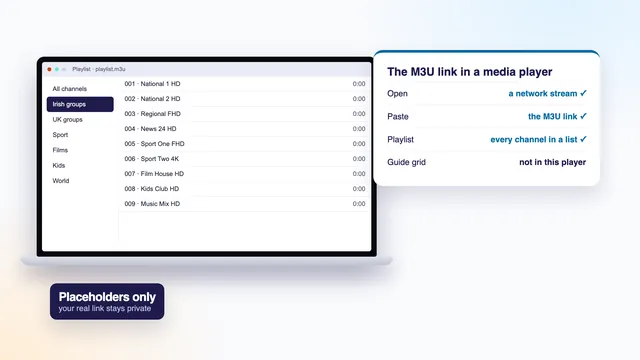
Opening the M3U link in VLC on a computer or phone: the menus, the playlist view, and what VLC does not do.Read it →When something goes wrong
When something goes wrong: IPTV not working
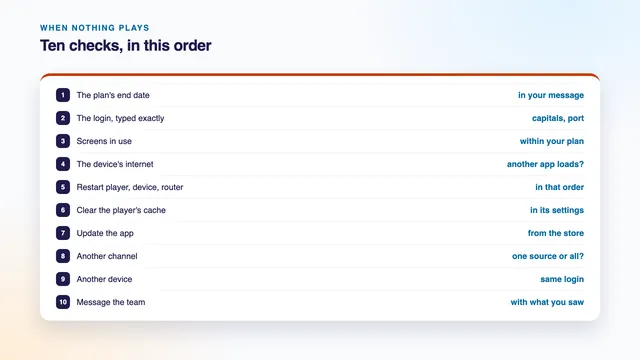
For the evening nothing loads, the picture stops or an error appears. The checks run in order, from the login to the screen, and end with what to send the team.
First steps
Which guide to read first
| Where you are | Read first | Then |
|---|---|---|
| The word IPTV is new to you | What is IPTV | IPTV channel list |
| Your login message has just arrived | IPTV Xtream Codes | IPTV Smarters Pro |
| You watch on a TV with Google Play | IPTV for Android TV | IPTV EPG |
| You watch on a computer | IPTV for Windows | IPTV VLC |
| The guide shows the wrong times | IPTV EPG | IPTV catch-up |
| You missed a programme last night | IPTV catch-up | IPTV channel list |
| A channel will not load | IPTV not working | Contact the team |
Just ordered? The setup page takes a single screen through the eight steps, and sends you back to these guides along the way. Still deciding? The Home plans and their prices sit together on one page, and the IPTV home page explains the whole idea from scratch.
Every guide uses the same words for the same things: the login message, the player, the guide and catch-up. Each technical term is spelled out the first time it appears, and menus are named as they looked on screen when the guide was written.

Read enough? Choose how long
The four Home plans differ only in months and screens. Whichever you choose, the payment is made once in euro, the login arrives around 2 minutes later, and a 7-day refund rule covers a home where nothing will play.